

Printing your own photos or art and seeing them come to life on paper can be one of the most rewarding parts of being a creative. But to achieve gallery-quality results, you need more than just a good printer. In this guide, we’ll show you how to print photos or artwork at home like a professional, with tips covering printers, inks, papers, colour management, and more.
Essential Equipment for Professional Home Printing
Before you start printing, make sure your setup includes the right tools. The essentials include:
- A dedicated inkjet printer – ideally one that supports pigment-based inks and 6 or more cartridges for accurate colour reproduction.
- High-quality inkjet paper – choose a paper designed for photo or art, such as PermaJet’s fine art and photo ranges.
- A calibrated monitor – so your screen accurately represents the colours that will appear in your prints.
- ICC profiles – to ensure colour consistency between your printer, paper, and display.
With the right equipment, you’ll already be halfway toward achieving professional printing at home.
Choosing the Right Printer
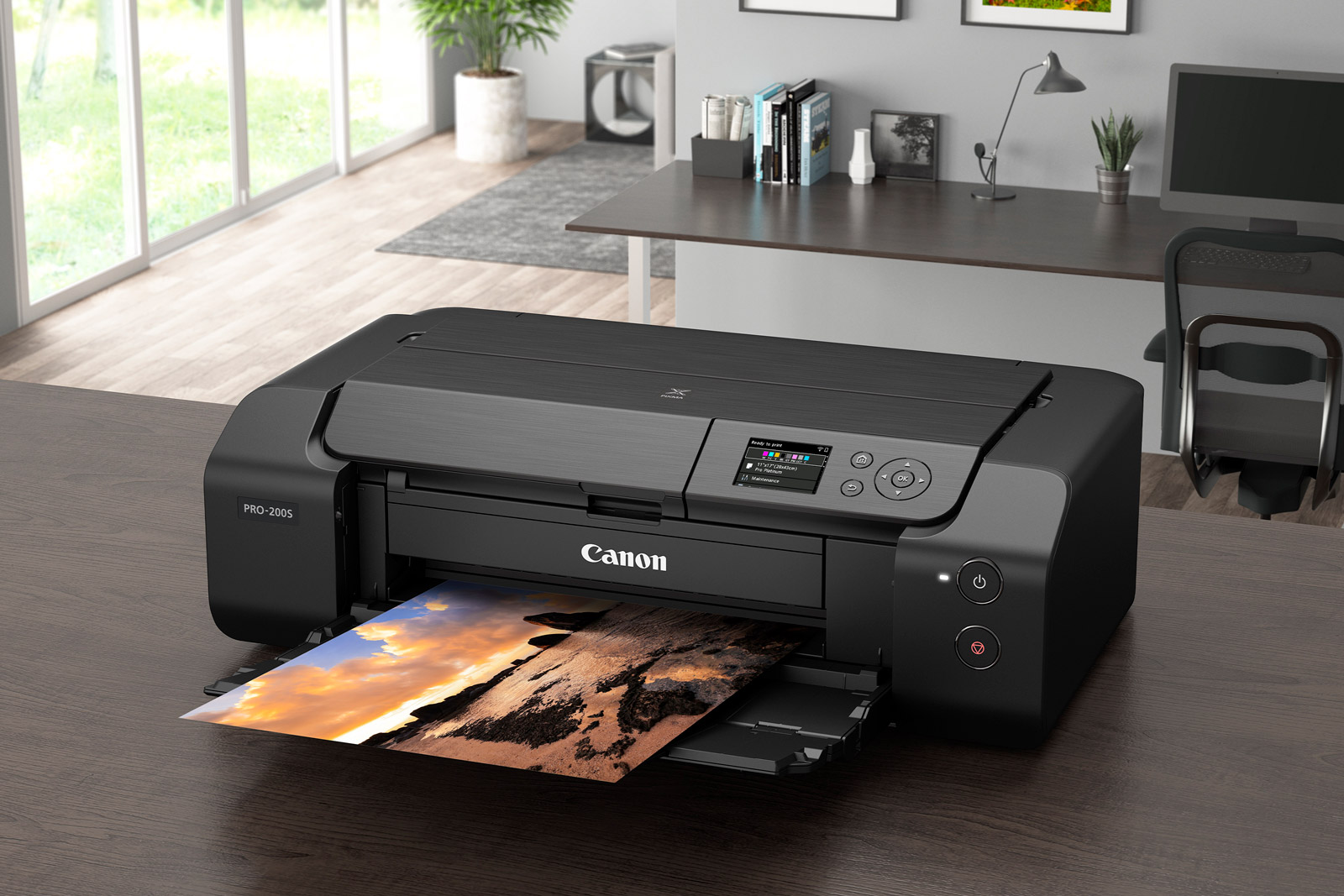
When it comes to printing photos or art at home, your printer is your most important investment.
Key features to look for are:
- Dedicated photo printing modes for glossy, matt, and fine art papers.
- Multiple ink channels (6–12 cartridges) for smoother gradients and richer tones.
- Large print size capability if you plan to create exhibition-quality prints.
Brands like Canon, Epson, and HP offer excellent inkjet printers, but your choice will depend on the size and type of prints you want to produce.
Ink Types Explained
There are two main ink types used in photo printing:
- Dye-based inks – these deliver vibrant colours and are ideal for everyday or high-gloss prints. However, they may fade faster over time.
- Pigment-based inks – these offer superior longevity, fade resistance, and more natural tones. For fine art and professional photo printing, pigment inks are the preferred choice.
Combining pigment inks with a professional inkjet paper such as PermaJet Portrait Rag 305 or Photo Art Silk 290 will give your images the depth, detail, and permanence of a true professional print.
Why Paper Choice Is Critical
Your paper choice has a huge impact on the final result. The same image can look completely different depending on the paper’s texture, tone, and finish.
Here’s how to choose the right paper:
- Glossy papers enhance contrast and sharpness – great for landscapes and vibrant photos.
- Matt and fine art papers provide subtle textures and softer tones – perfect for portraits and black-and-white images.
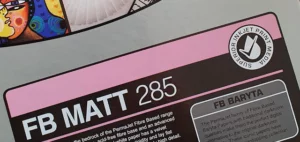
- Baryta/fibre-based papers emulate traditional darkroom prints for a classic photographic feel.
Using professional inkjet paper such as those from PermaJet’s Photo and Fine Art ranges ensures consistent, archival-quality results.
Colour Management: Getting Accurate Colours
Even with the best printer and paper, poor colour management can ruin your prints. Follow these steps to ensure what you see on screen matches what comes out of your printer:
- Calibrate your monitor using a colorimeter or calibration software.
- Use ICC profiles for your specific printer and paper combination (downloadable from the PermaJet website).
- Turn off printer colour management when using ICC profiles to avoid colour conflicts.
Proper colour management is the secret behind every successful professional printing at home setup.
Printer Settings for Perfect Results
Before hitting ‘Print’, review these settings to optimise your output:
- Select the correct paper type in your printer’s media settings.
- Set the highest print quality or “Best Photo” mode.
- Disable automatic adjustments that may alter your image’s contrast or saturation.
- Use the right resolution – typically 300 DPI for high-quality prints.
Doing a small test print on a smaller sheet can save time, paper, and ink while fine-tuning your settings.
Troubleshooting Common Issues
Even professionals encounter printing issues from time to time. Here’s how to solve the most common ones:
- Overly dark prints: Calibrate your monitor – most screens are brighter than print output.
- Colours look dull or wrong: Check your ICC profile and ensure colour management isn’t duplicated.
- Banding or streaks: Clean your printer heads and ensure nozzles are clear by running a nozzle check.
- Paper jams or smudging: Use the correct paper feed and check that your media type matches the settings.
In Summary
Learning how to print photos or artwork at home takes practice, but the results are worth it. By investing in quality equipment, choosing the right paper, and mastering colour management, you can create prints that rival professionals.
Whether you’re printing cherished memories or exhibition pieces, pairing your printer with PermaJet’s award-winning inkjet papers will help you achieve the depth, tone, and clarity your images deserve.